
Any report from JD Edwards.
Without a ticket to IT.
Users join JDE tables themselves, check the result and export it to Excel. With their own JDE permissions.
| Customer | Invoice | Due | Open € | Limit € |
|---|---|---|---|---|
| Muster Metall GmbH | 52701 | 15.10. | 6.456,74 | 50.000 |
| Beispiel Logistik AG | 52702 | 21.10. | 3.709,54 | 25.000 |
| Rhein Werkzeugbau KG | 52704 | 28.10. | 5.993,84 | 40.000 |
| Nordlicht Handel GmbH | 52705 | 02.11. | 4.378,02 | 30.000 |
Today: three windows, three exports, one spreadsheet.
The Data Browser only ever exports one table. We stitch the rest together in Excel with VLOOKUP.
Export · 1 tableEvery new report means a ticket. By the time it is done, the question has gone away.
Export · 1 tableSomeone pulls the month-end list by hand, every single month.
Export · 1 tableFlexQuery joins JDE tables.
Without SQL.
Pick a template or a table, join further tables, filter, done. FlexQuery reads only through AIS, as the signed-in JDE user. Nobody sees more than in JDE.
Four steps, not one line of SQL
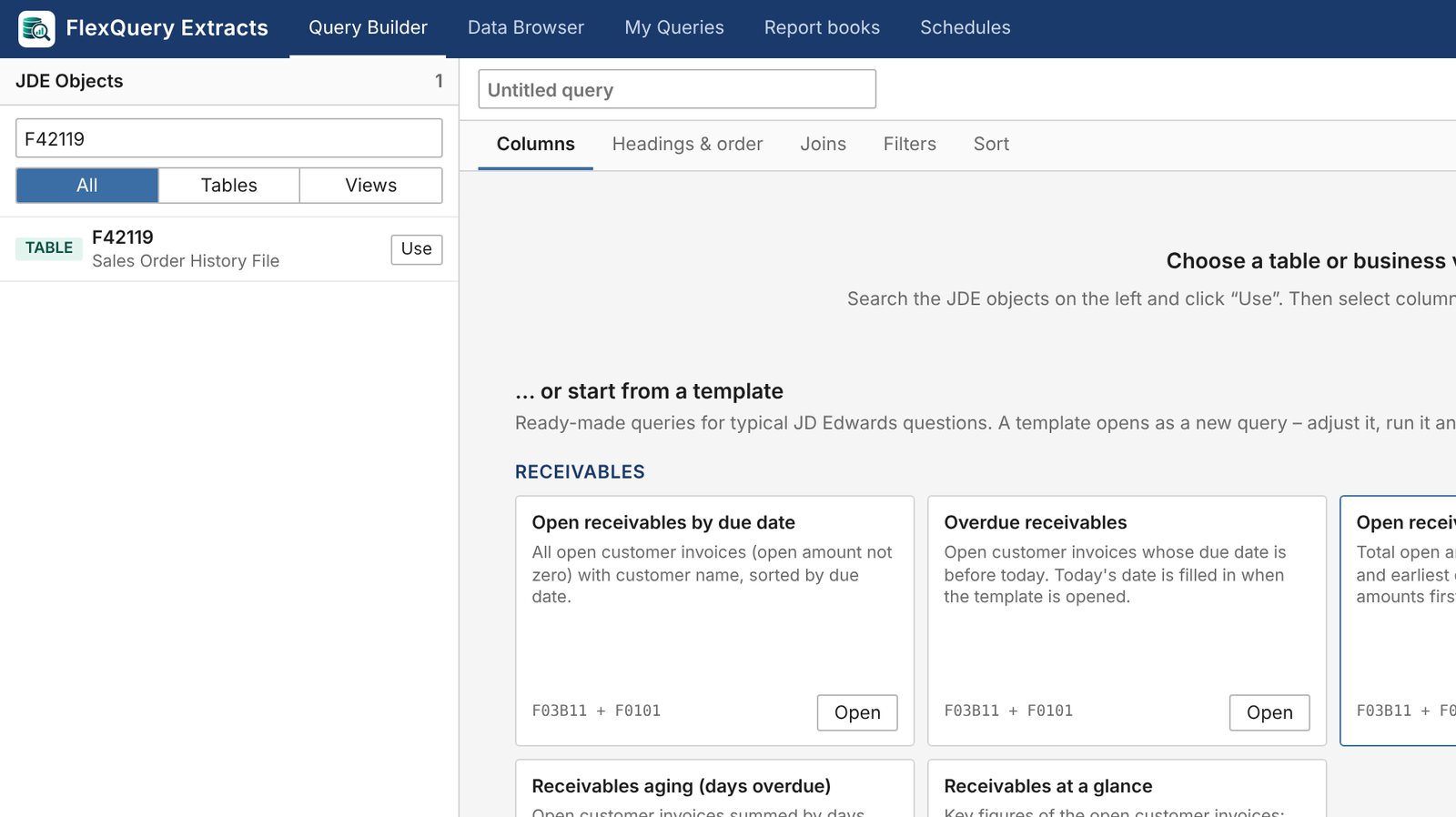
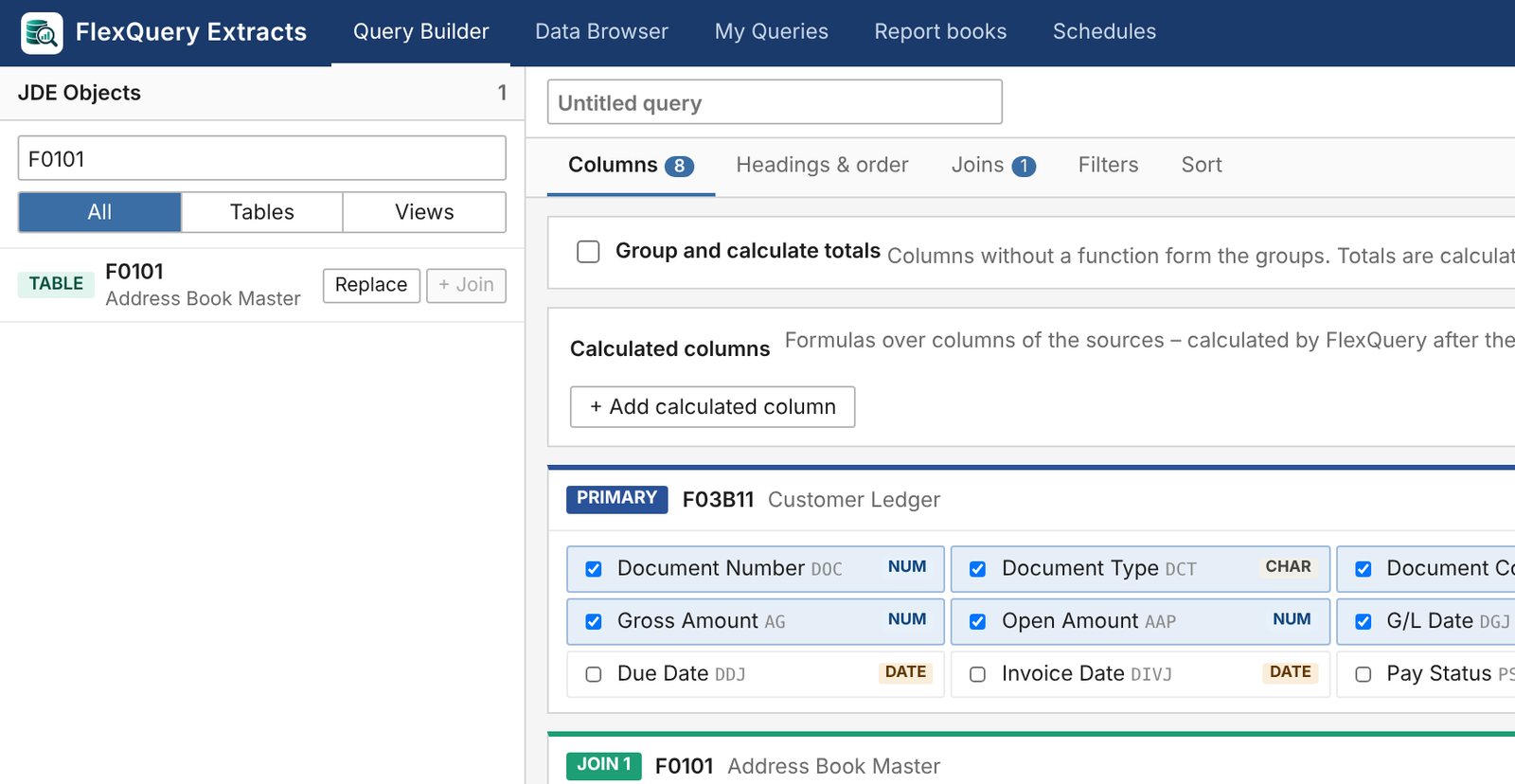
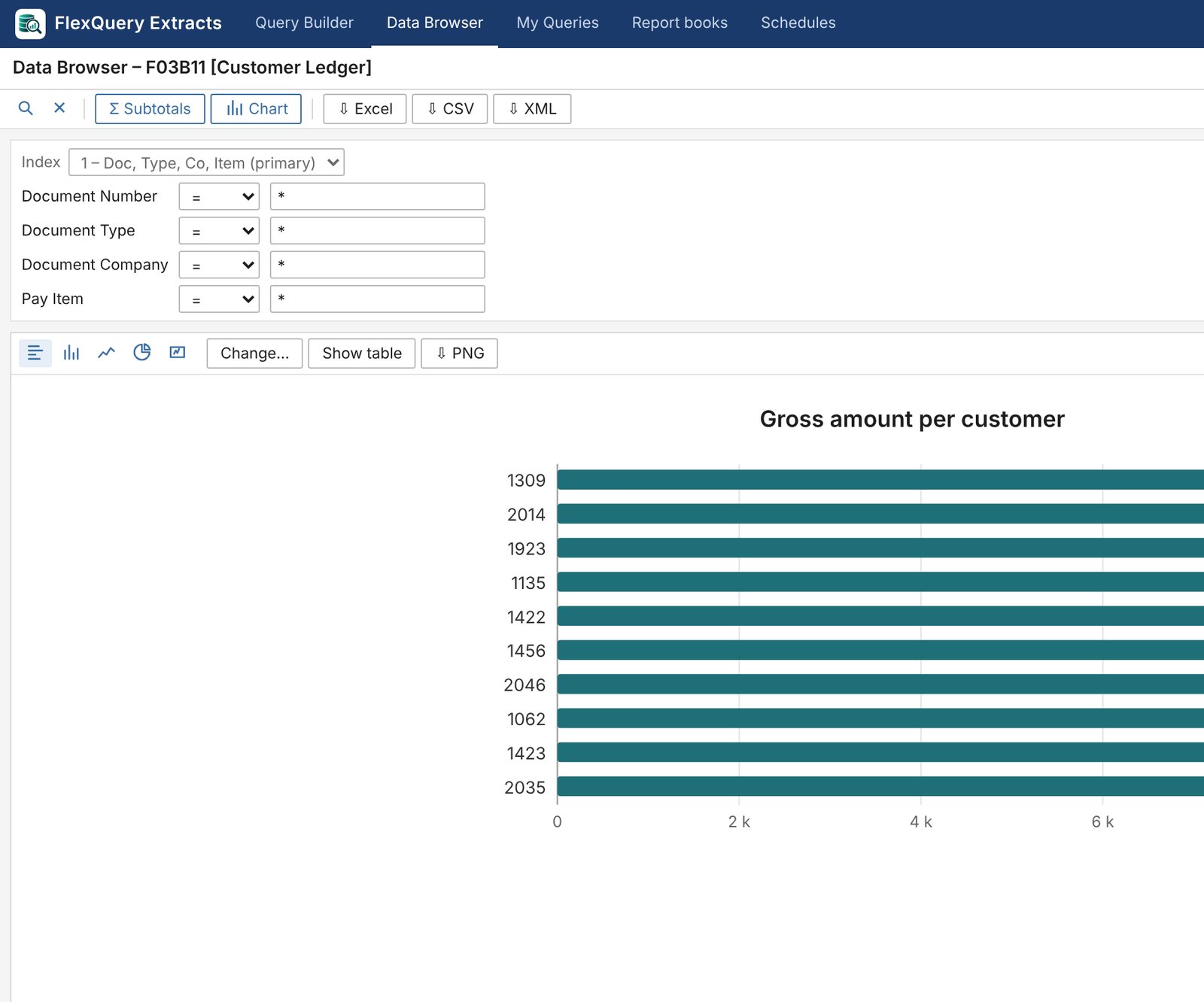
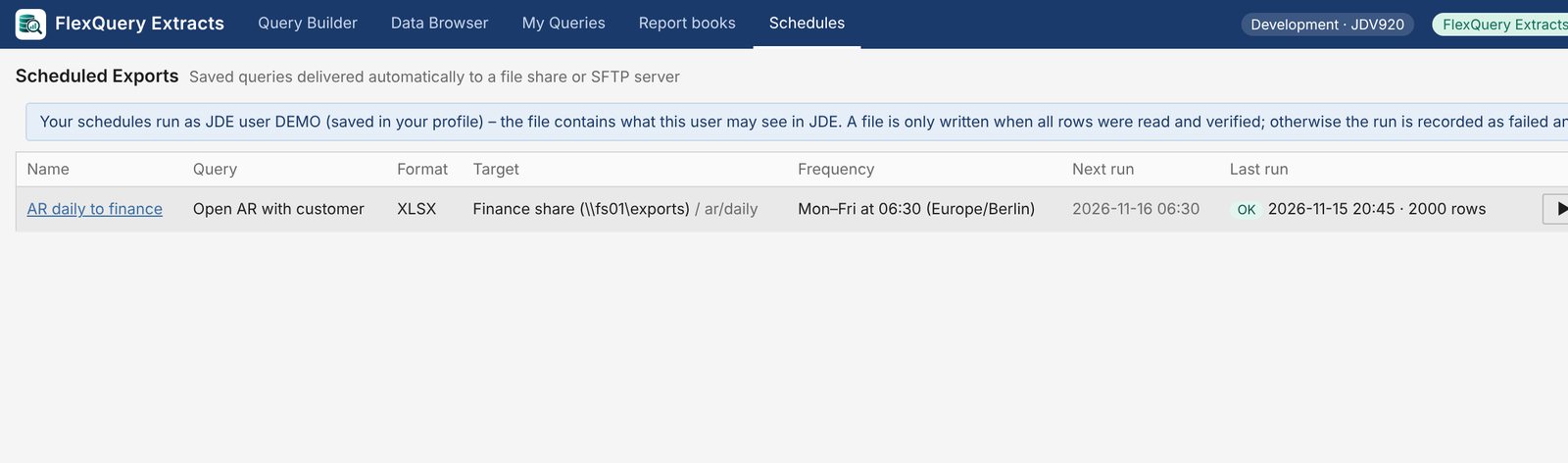
Before, after
Drag the handle.
Everything FlexQuery does
21 features
Templates for typical questions
Open items per customer, receivables aging, open payables, inventory value per branch and more.
Search in plain language
“open orders” finds the matching JDE tables and business views.
Joining tables
Joins are suggested and checked for matching data types.
Appending a second table
Read tables with the same columns one below the other (union).
Filters with relative dates
“today minus 30 days”, lists, ranges, also on group totals.
Calculated columns
Formulas with text, dates and conditions across source columns.
Familiar Data Browser look
Paging, query by example (QBE), sorting, subtotals.
Completeness checked
Every result is checked against the count in JDE; if a row is missing it is marked as failed.
Charts
Bar, column, line, pie or key figures from the complete result.
Excel, CSV, XML
Download with your number and date formats from the JDE profile.
XML with ExtractsReport books
Up to 12 queries in one Excel workbook or a PDF with cover page and charts.
Schedules
Queries and report books run at fixed times.
ExtractsTargets
File share, SFTP server or e-mail.
ExtractsNotification
Mail when something went wrong, with a history per run.
ExtractsSharing with users and roles
Share queries with colleagues, JDE users or JDE roles.
Transfer between environments
From development to production, with approval if you wish.
Launched from JD Edwards
As a link or embedded in JDE, signed in with the JDE session.
Audit log for administrators
Who queried, shared or transferred what.
Query from a question
Describe the list in your own words; FlexQuery checks the proposal like a hand-built query.
from 3.0Translating SQL
An existing SELECT becomes a FlexQuery query.
from 3.0No JDE data to the AI
Only your text and table descriptions are sent, never data, names or passwords.
Nothing found. Ask us directly whether FlexQuery can do it.
Your path with FlexQuery
FlexQuery itself shows how many queries, report books and schedules your team uses.
- Stage 1
First query
With a template such as open items per customer, on day one.
Your progressThe first list without a ticket. - Stage 2
Own queries
The business joins tables itself and shares queries in the team.
Your progressFewer report requests to IT. - Stage 3
Report books
Month end, receivables, inventory: several queries in one file.
Your progressOne file instead of many exports. - Stage 4
Runs on its own
Schedules deliver lists and books on time.
Your progressNobody has to remember any more.
FlexQuery on video
The real product with demo data: build a query, check the result, export, schedule. Try FlexQuery free of charge in your development or test environment, with your own JDE data.
See FlexQuery in your environment?
Tell us briefly what it is about. We will get back to you within two working days.