
The Opero Suite + Care
Five products. One JDE ecosystem.
Built around real JDE work.
Knowledge, visibility, operations and data — practical tools built around JD Edwards EnterpriseOne.
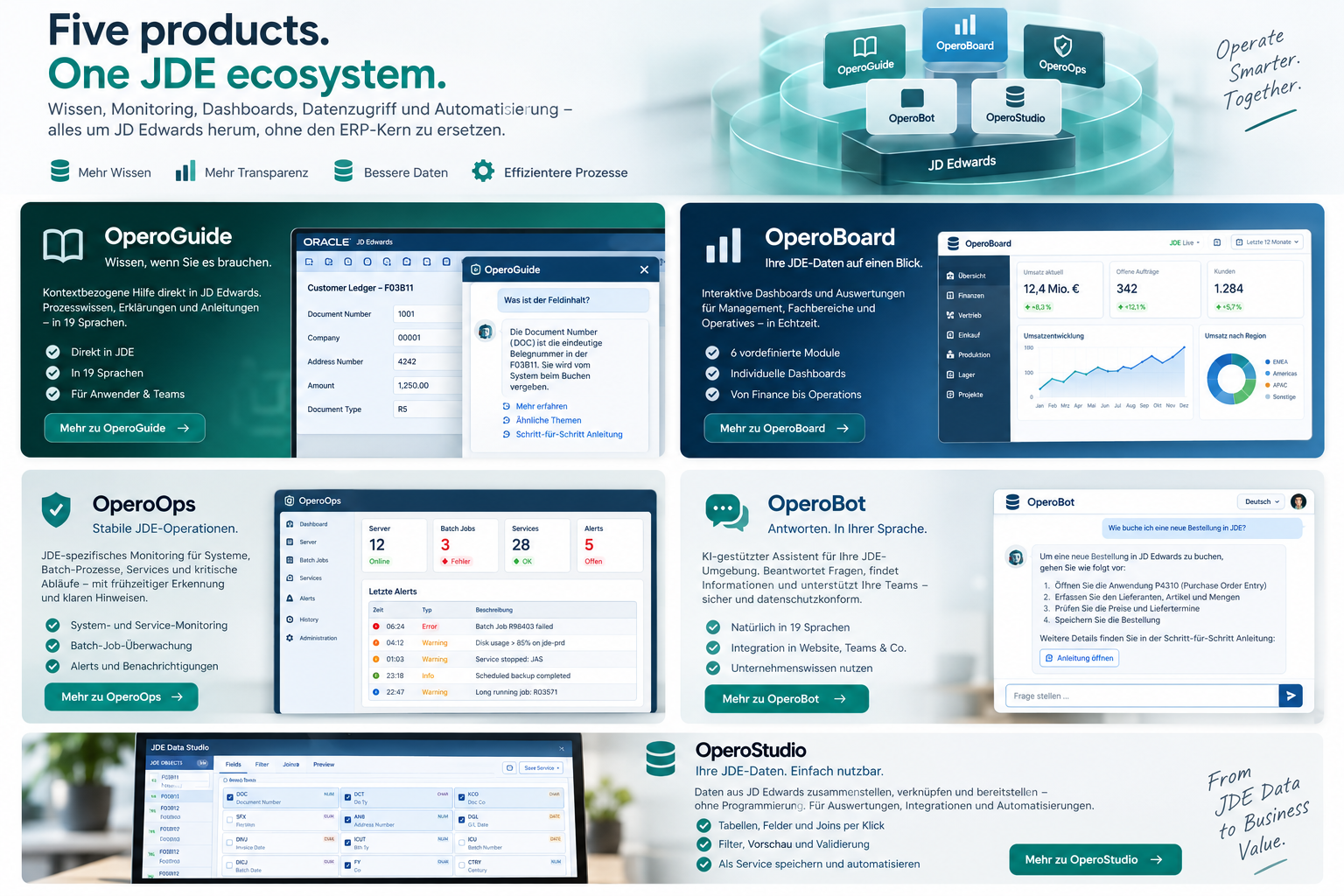
The suite
One JDE environment. Different operational problems.
01 · OPEROGUIDE
Answers where JDE users need them.
Context-aware assistance directly alongside JD Edwards EnterpriseOne.
JDE form context
19 languages
Customer knowledge
Cited answers
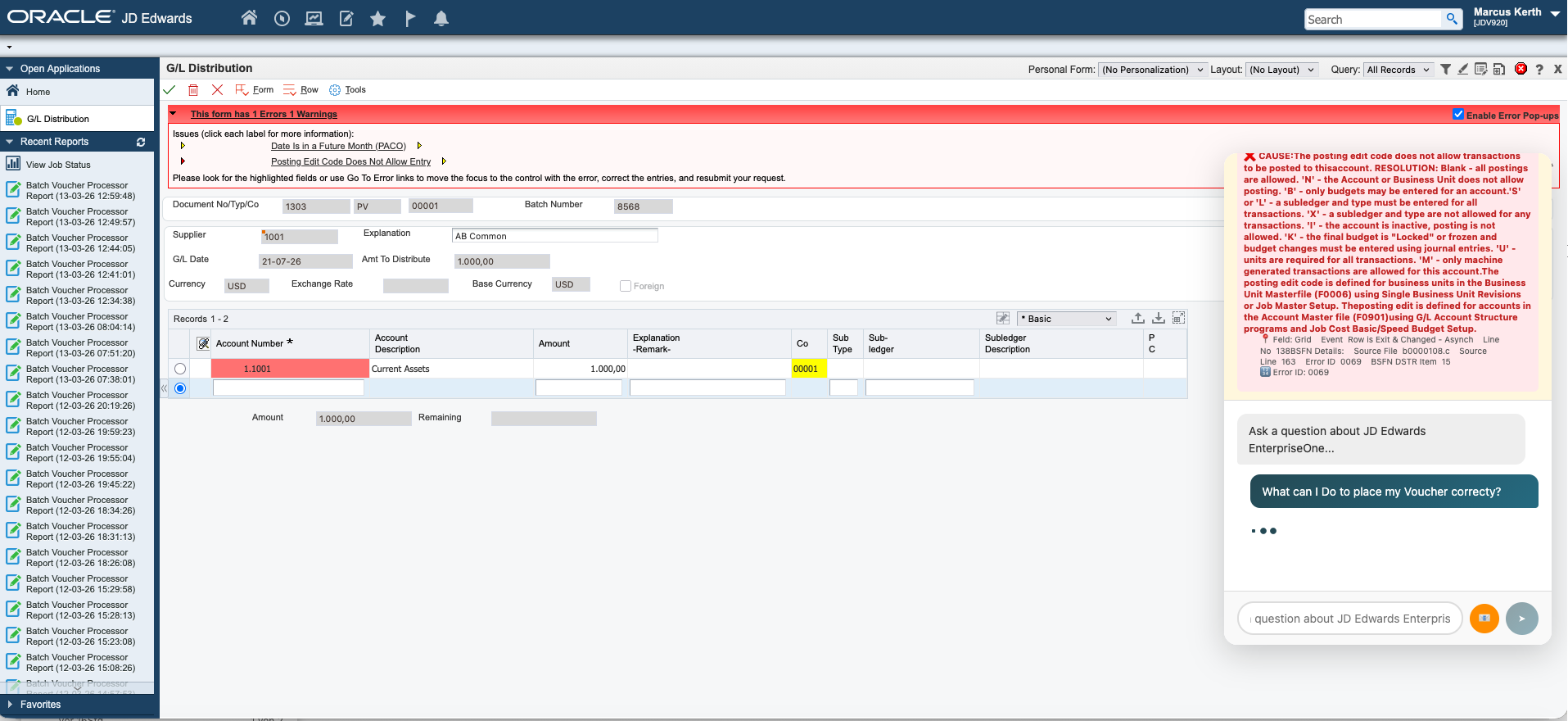
02 · OPEROBOARD
JDE data people can actually see.
Operational and management dashboards built on JD Edwards data.
Sales & Finance
Inventory
Procurement
Production & eInvoice
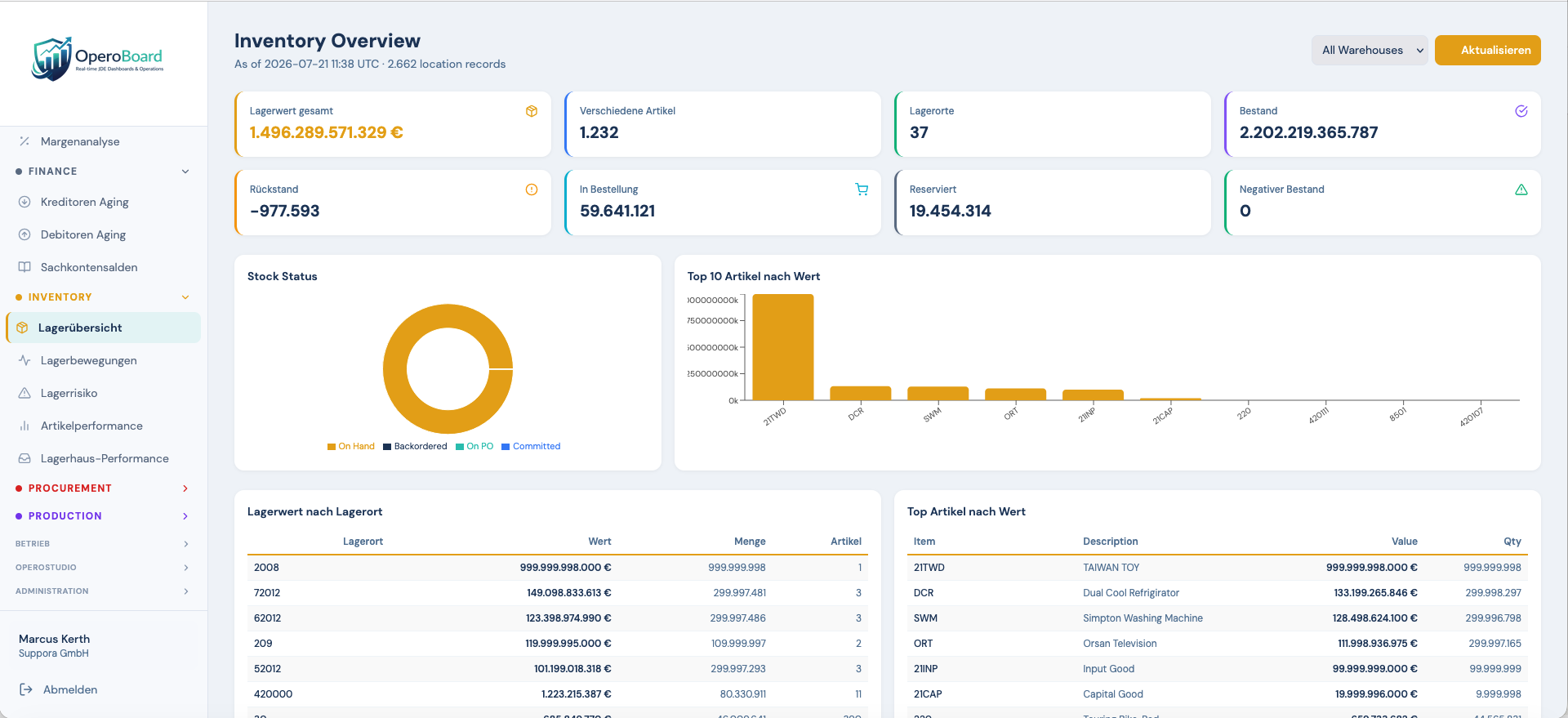
03 · OPEROOPS
See what is happening before users call.
JDE-aware operations monitoring instead of generic infrastructure monitoring.
System health
UBE / Scheduler
DB & EDI monitoring
Users, security & alerts
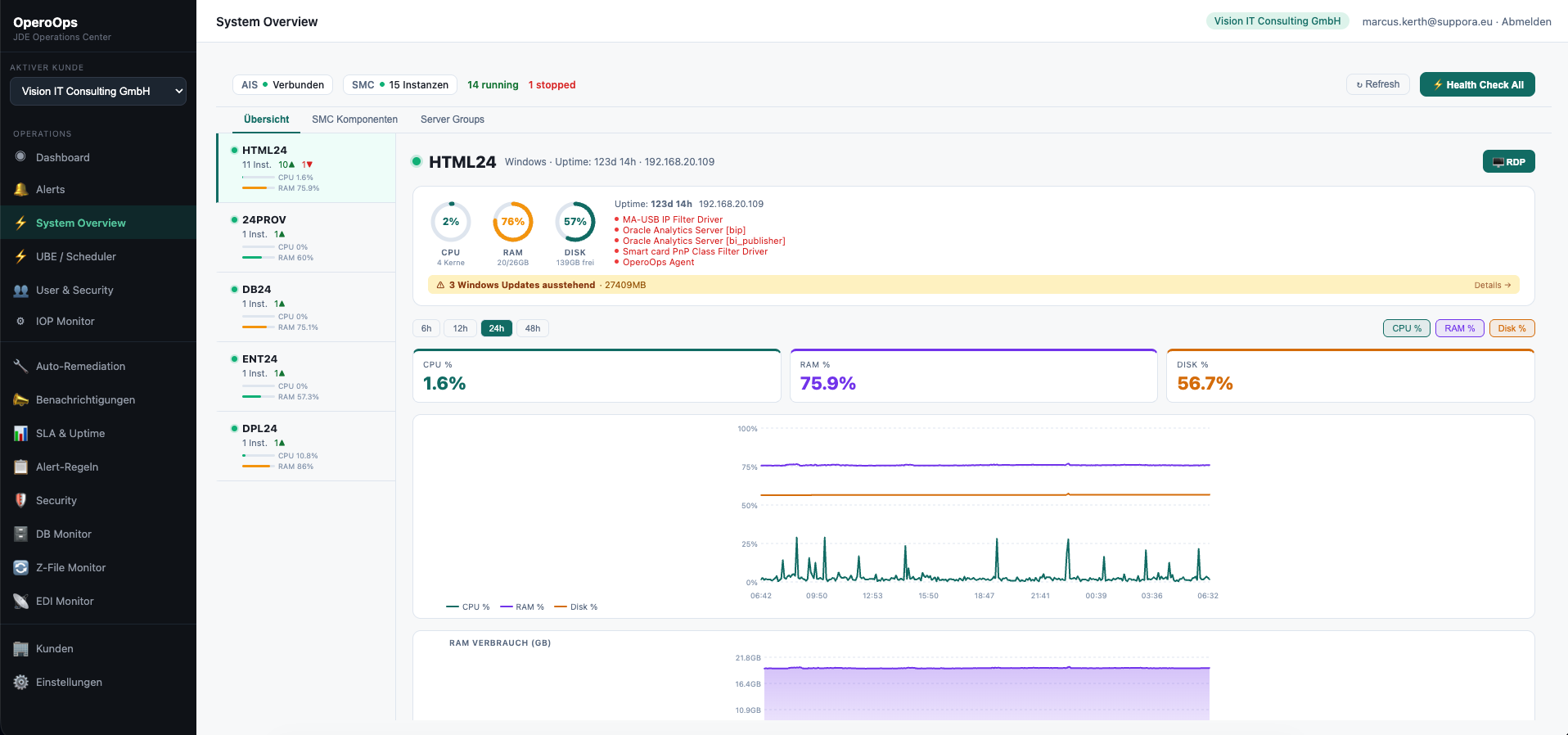
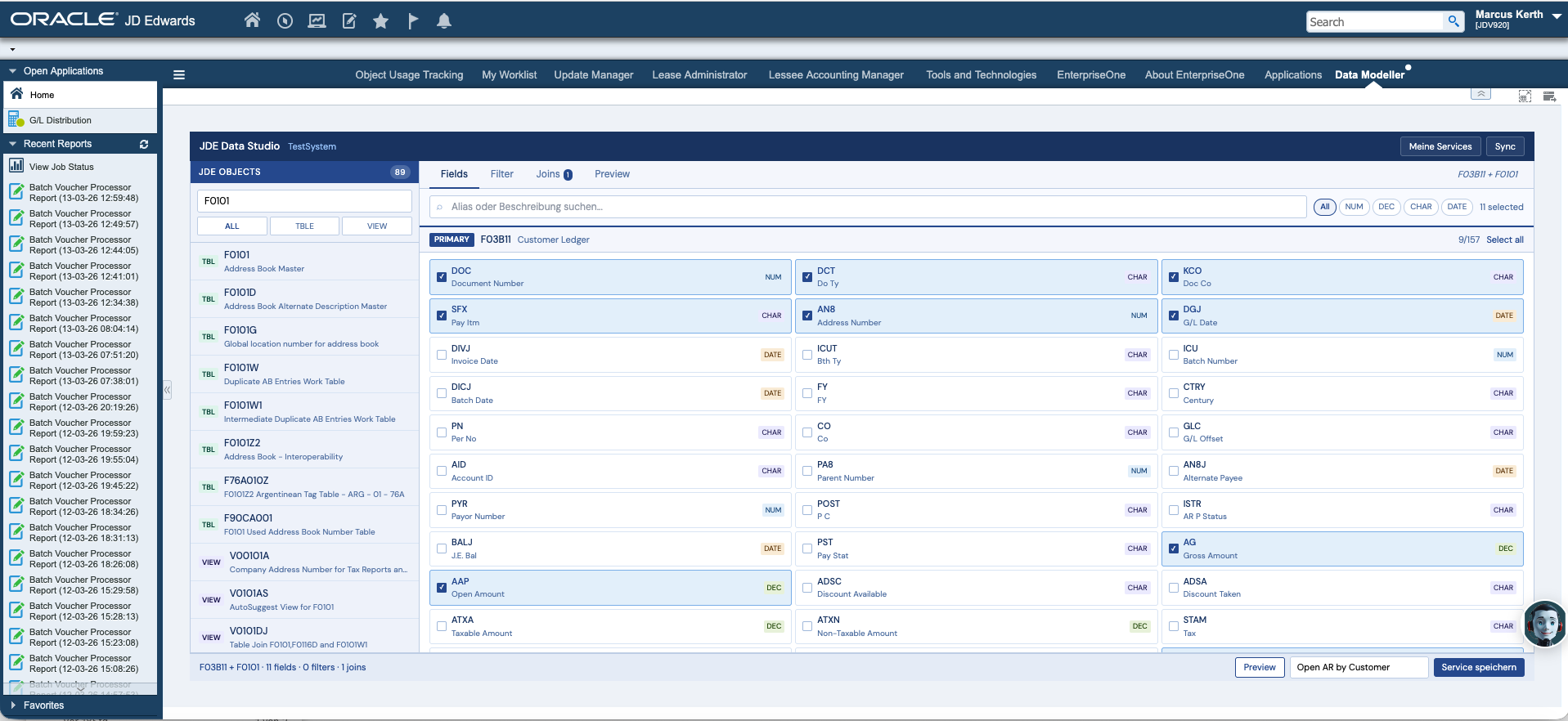
04 · OPEROSTUDIO
Make the JDE schema readable.
Explore, model and extract JD Edwards data without living in table documentation.
Visual table model
Joins & preview
Data extracts
Runs locally
05 · OPEROBOT
Put your knowledge into conversation.
OperoBot is the conversational layer for curated company, product and support knowledge.
Unlike the four JDE-facing products above, its job is broader: make approved information easier to find through a branded assistant. It can be used where a conversational entry point makes more sense than another navigation tree. Explore OperoBot →One ecosystem
Different tools. The same operational context.
The point of the suite is not to force five products into one package. It is to solve related problems around the same JDE environment without introducing five unrelated vendors and five different operating models.Suppora Care
Software where software helps. People where people matter.
Care adds the operational team behind the technology: JD Edwards managed services, monitoring, maintenance and specialist capacity. Selected Opero products can become part of that operating model.
Explore Care →
Start with the problem